

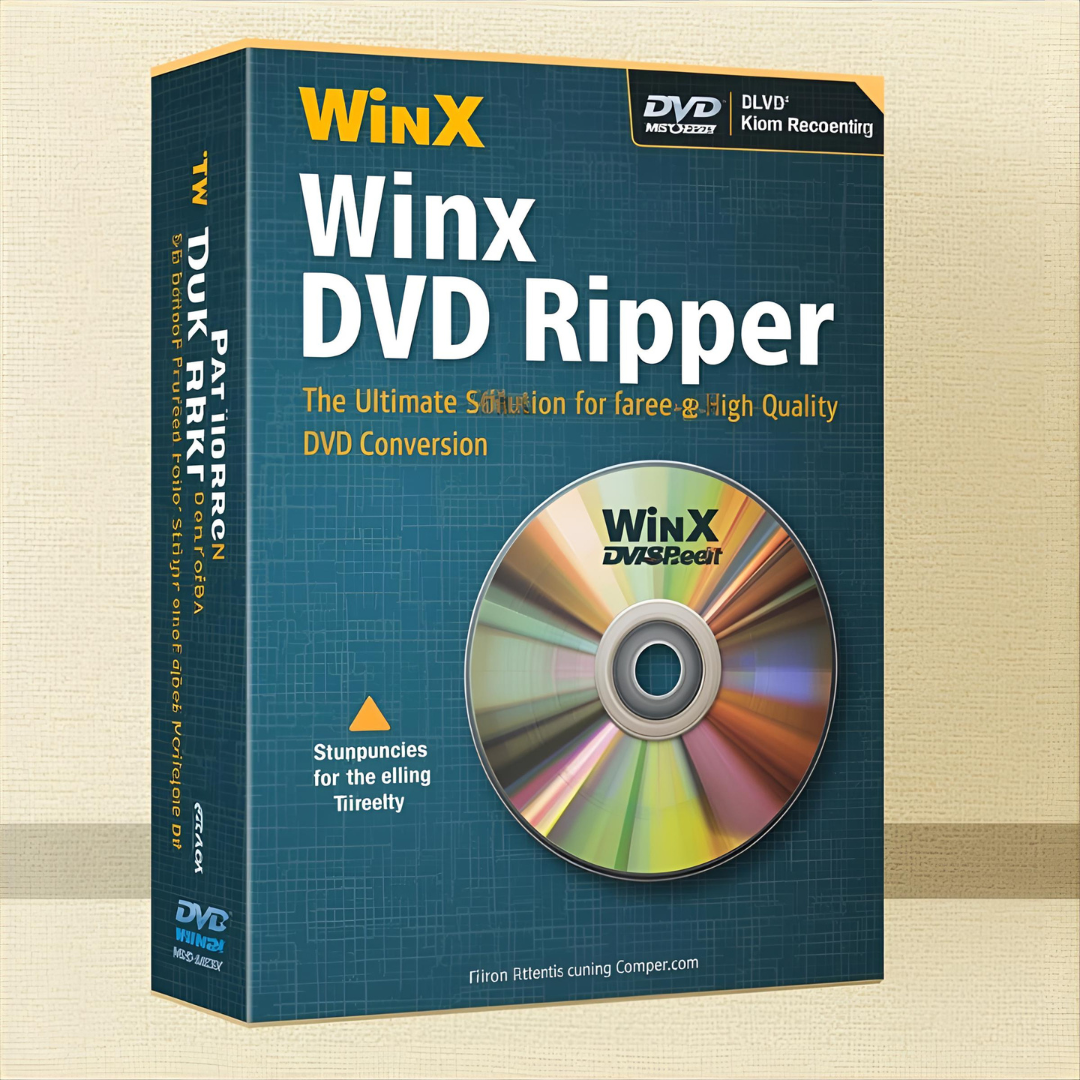
In the ever-evolving digital world, physical DVDs are slowly fading from mainstream use. However, millions of people still possess valuable movie collections, home videos, or rare content stored on DVDs. That’s where WinX DVD Ripper Platinum comes in — a powerful software tool designed to digitize your DVD library effortlessly while maintaining original quality and performance.
This comprehensive guide explores everything you need to know about WinX DVD Ripper Platinum — from its features, benefits, and system requirements to how it stands against competitors in the DVD ripping market.
What Is WinX DVD Ripper Platinum?
WinX DVD Ripper Platinum is an advanced DVD ripping software developed by Digiarty Software Inc., a company known for creating high-performance multimedia tools. It allows users to convert and back up their DVD collections into a wide range of digital formats, making playback possible on devices like smartphones, tablets, smart TVs, game consoles, and computers.
Unlike many basic converters, WinX DVD Ripper Platinum supports hardware acceleration, ensuring fast conversion speeds without compromising video quality. It’s ideal for users who want to preserve their DVD content before discs degrade over time or become unreadable.
Key Features of WinX DVD Ripper Platinum
1. Lightning-Fast DVD Ripping Speed
Thanks to Level-3 Hardware Acceleration Technology, powered by Intel, NVIDIA, and AMD GPUs, WinX DVD Ripper Platinum can rip a full DVD in just 5 minutes. This speed is nearly 47 times faster than standard software, making it one of the fastest DVD rippers on the market.
2. Supports All DVD Types
The software can handle almost any kind of DVD, including:
-
Commercial movie DVDs
-
Home-made DVDs
-
99-title DVDs
-
Scratched or old DVDs
-
Region-locked DVDs
-
Encrypted DVDs protected by CSS, UOPs, or Disney X-project DRM
3. Output Formats Galore
WinX DVD Ripper Platinum offers over 350+ output profiles for converting DVDs into formats such as:
-
MP4, MOV, AVI, WMV, FLV, MKV
-
Mobile-friendly formats for iPhone, iPad, Android, and Windows devices
-
Pre-optimized profiles for YouTube, Facebook, and other social platforms
4. High-Quality Output
It uses High Quality Engine and Deinterlacing Technology to retain 1:1 image quality during ripping. You can choose to copy the full DVD to an ISO image or MPEG2 file for original quality backup.
5. Customization Options
Users can edit videos before ripping. You can:
-
Trim video clips
-
Merge multiple chapters
-
Add subtitles
-
Adjust brightness, contrast, and volume
-
Crop black borders
6. DVD Backup Modes
WinX DVD Ripper Platinum offers four DVD backup options:
-
Clone DVD to ISO image
-
Copy DVD title to MPEG2 file
-
Backup DVD to MKV
-
Copy full content to a folder
These modes are perfect for users who wish to create 1:1 duplicates of their DVDs for archiving or transferring to another device.
How to Use WinX DVD Ripper Platinum — Step-by-Step Guide
-
Download and Install the software from the official Digiarty website.
-
Insert your DVD into the computer’s optical drive.
-
Launch WinX DVD Ripper Platinum — the program will automatically detect your disc.
-
Select the Output Format from the list (e.g., MP4 for general playback).
-
Choose Destination Folder where the converted file will be saved.
-
Click “RUN” — and the software will start ripping instantly.
That’s it! Within minutes, your DVD will be converted into a digital format ready to use anywhere.
Performance and Quality Analysis
Speed
In performance tests, WinX DVD Ripper Platinum consistently demonstrated exceptional speed. On systems with GPU acceleration enabled, a standard two-hour DVD could be ripped in under 6 minutes.
Quality
The output quality remains sharp and clear, preserving the original 1080p detail without compression artifacts. Audio sync is also maintained perfectly.
Compatibility
The ripped files play smoothly on multiple platforms, including Windows 11, macOS, iOS, Android, and Linux, making it a universal solution for all types of users.
System Requirements
For Windows
-
OS: Windows 11/10/8/7/Vista/XP
-
Processor: Intel or AMD CPU (1GHz or above)
-
RAM: Minimum 512MB (1GB or more recommended)
-
Hard Disk Space: At least 100MB for installation
For macOS
-
OS: macOS Sonoma, Ventura, Monterey, Big Sur, or earlier
-
Processor: Intel or Apple Silicon (M1/M2 supported)
-
RAM: 512MB minimum
-
Hard Disk Space: 100MB free space
Pros and Cons
✅ Pros
-
Extremely fast ripping speed
-
Maintains 1:1 video quality
-
Supports all DVD types (including damaged or encrypted ones)
-
GPU acceleration support
-
User-friendly interface
-
Regular software updates
❌ Cons
-
Free trial version limits full-length conversions
-
No Blu-ray support (DVDs only)
-
Interface may look dated compared to newer apps
WinX DVD Ripper Platinum vs Competitors
| Feature | WinX DVD Ripper Platinum | HandBrake | MakeMKV |
|---|---|---|---|
| Speed | 47× faster (GPU acceleration) | Moderate | Slow |
| DRM Decryption | Yes | Limited | Partial |
| Supported Formats | 350+ | 20+ | MKV only |
| Ease of Use | Beginner-friendly | Moderate | Technical |
| Output Quality | Lossless | High | High |
| Free Trial | Yes | Free | Free (beta) |
Clearly, WinX DVD Ripper Platinum outshines many competitors with its combination of speed, versatility, and reliability.
Pricing and License Information
WinX DVD Ripper Platinum is a premium product, but it offers free trials and frequent discounts. The pricing structure is:
-
1-Year License: Around $39.95
-
Lifetime License: Around $67.95 (includes lifetime upgrades)
The Lifetime License is the most cost-effective option for users with large DVD collections.
Safety and Legality
The software itself is 100% safe, free from malware or adware. However, users must respect copyright laws — ripping DVDs for personal use is generally allowed, but distributing or sharing copyrighted material is illegal in most regions.
Final Verdict
WinX DVD Ripper Platinum stands as one of the most reliable and efficient DVD ripping tools in the world. Its exceptional speed, ease of use, and ability to handle complex encryption make it ideal for both casual users and professionals.
If you’re looking to preserve your DVD collection, convert them to digital formats, or back them up for long-term storage — WinX DVD Ripper Platinum is undoubtedly a top-tier choice.
FAQs
1. Is WinX DVD Ripper Platinum free?
It offers a free trial version, but the full version requires a paid license for unrestricted use.
2. Does it work on scratched DVDs?
Yes. It’s optimized to read damaged or old discs that many other rippers fail to process.
3. Can it rip Blu-ray discs?
No, this software focuses solely on DVDs. Blu-ray ripping requires a separate tool from Digiarty.
4. Is it safe to download?
Yes. Downloading from the official WinXDVD.com website ensures a virus-free and secure installation.
Conclusion
In today’s digital landscape, keeping physical DVDs is becoming impractical — but your memories and movie collections deserve preservation. WinX DVD Ripper Platinum bridges that gap perfectly with its blend of speed, quality, and simplicity. Whether you’re digitizing your home videos or backing up rare DVDs, this software offers everything you need in one reliable package.
