

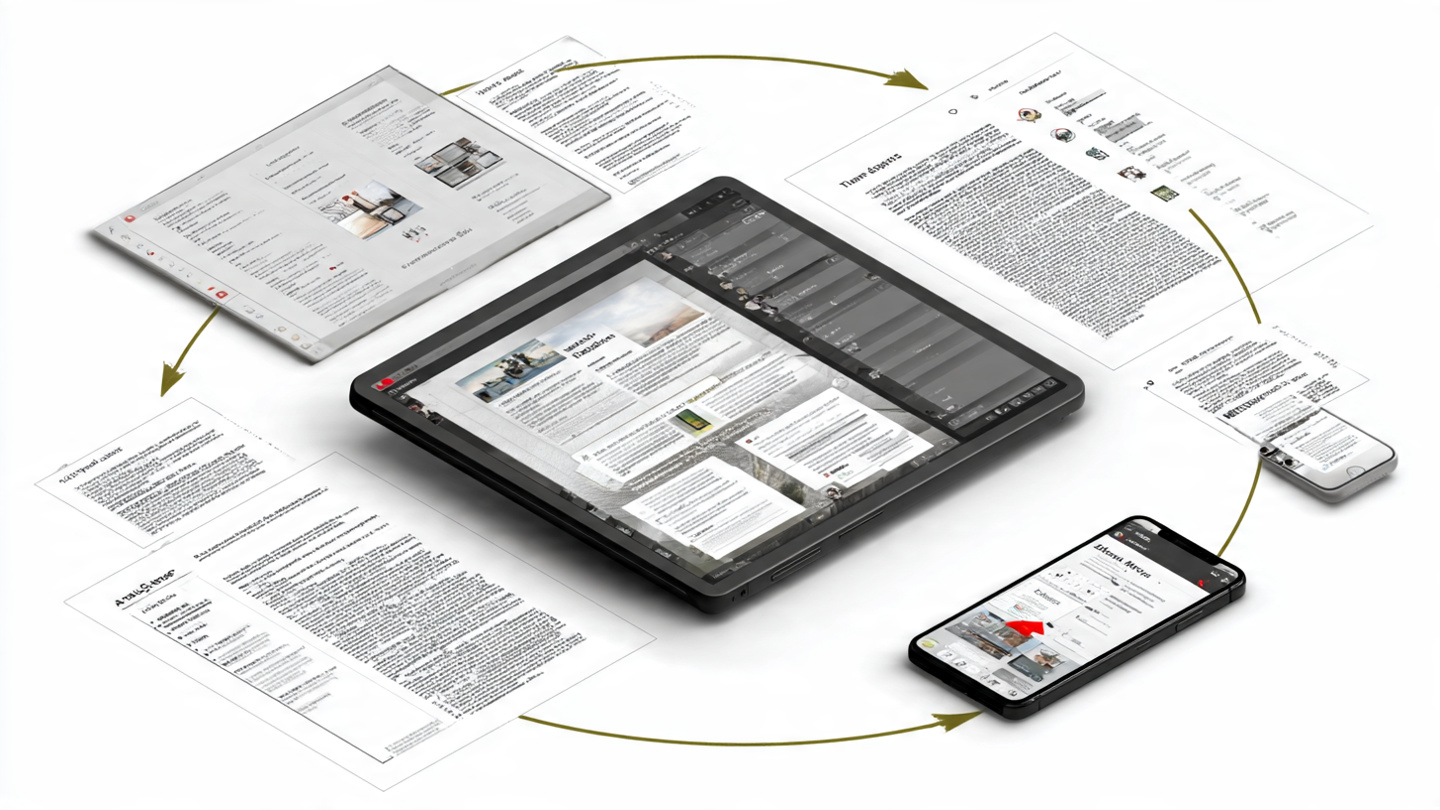
In 2026, digital workflows demand tools that are both flexible and secure.
Traditional annotation methods often fall short, especially when dealing with protected or sensitive documents.
Axelanote solves this challenge with a completely different approach.
Instead of editing files directly, it introduces a powerful overlay system that allows interaction without altering the original content.
This makes it one of the most innovative annotation technologies available today.
What Is Axelanote and Why It Matters
Axelanote is a modern annotation and knowledge management tool designed to work across digital documents, especially PDFs.
It is widely recognized for its non-destructive editing approach and seamless user experience.
Unlike traditional editors, Axelanote does not change the underlying file structure.
Instead, it adds a separate annotation layer that sits on top of the document.
This approach ensures that the original content remains safe, untouched, and fully intact.
For professionals working with legal, technical, or restricted documents, this is a major advantage.
The Core Technology: Transparent Overlay System
At the heart of Axelanote is its transparent overlay technology.
This system works like a digital “sheet” placed over your document.
When you open a file, Axelanote displays the original content as it is.
On top of it, a separate layer allows you to write, draw, highlight, or add comments freely.
All annotations exist independently from the base file.
This means you can interact with the document without ever modifying it.
Think of it like using tracing paper over a printed page.
You can write as much as you want, but the original page stays unchanged.
Step-by-Step: How Axelanote Works
Using Axelanote is simple, yet powerful.
The process follows a structured workflow that improves productivity.
First, you open a document such as a PDF or image file.
Axelanote loads the file in a viewer environment without altering it.
Next, the overlay layer is activated automatically.
This layer acts as your workspace for annotations and notes.
You can then add handwriting, text boxes, shapes, or highlights.
All of these elements are saved separately from the original file.
Finally, you can save your annotations as a separate layer file or merge them if needed.
This gives you full control over how your work is stored and shared.
Working with Multiple Annotation Layers
One of the most powerful features of Axelanote is multi-layer support.
Instead of mixing all notes into one layer, users can create multiple annotation layers.
For example, you can have one layer for personal notes and another for team feedback.
You can switch between them or display them together depending on your needs.
This layered system improves organization and clarity.
It also allows teams to collaborate without confusion or overlap.
Compatibility with Locked and Restricted Files
A major limitation of traditional tools is their inability to handle protected documents.
Many PDFs restrict editing, commenting, or printing.
Axelanote bypasses this issue in a unique way.
Since it does not modify the file itself, it ignores these restrictions.
Users can annotate even highly secured or read-only documents.
This makes it extremely useful for legal, academic, and corporate workflows.
Key Features That Power the System
Axelanote is more than just an overlay tool.
It includes advanced features that enhance usability and efficiency.
Users can write naturally using stylus or touch input.
The system supports pressure sensitivity, making it feel like real handwriting.
There are also tools for automatic numbering and structured annotations.
These features help organize feedback, especially in complex documents.
Additionally, data from annotations can be exported into formats like CSV.
This allows users to convert notes into structured data for reporting or analysis.
Integration with Existing Tools and Workflows
Axelanote is designed to work alongside existing software.
It integrates smoothly with common tools like PDF viewers.
Users don’t need to replace their current workflow.
Instead, Axelanote enhances it by adding a flexible annotation layer.
This compatibility reduces the learning curve and increases adoption.
Teams can start using it without major changes to their systems.
Real-World Use Cases
Axelanote is used across a wide range of industries.
Its flexibility makes it suitable for both individuals and organizations.
In engineering and construction, professionals annotate blueprints without altering original designs.
This ensures accuracy while allowing detailed feedback.
In education, students and teachers interact with study materials more effectively.
They can highlight, comment, and organize notes without damaging source documents.
In legal and corporate environments, sensitive documents remain intact.
Annotations stay private and separate, improving security and compliance.
Why Axelanote Stands Out in 2026
The biggest advantage of Axelanote is its non-destructive approach.
It solves one of the most common problems in digital annotation—risk of file modification.
Its overlay system provides flexibility, security, and efficiency in one solution.
Users can annotate freely without worrying about damaging original content.
With added features like multi-layer support, real-time collaboration, and AI-powered organization, Axelanote is more than just a tool.
It represents the future of how we interact with digital information.
Conclusion: A Complete Overlay Annotation Solution
Axelanote works by separating interaction from content.
This simple yet powerful idea transforms how users engage with digital documents.
By using a transparent overlay system, it ensures that annotations remain flexible and reversible.
At the same time, the original files stay secure and untouched.
For professionals, students, and teams in 2026, Axelanote offers a smarter, safer, and more efficient way to annotate.
It is not just improving workflows—it is redefining them.
