

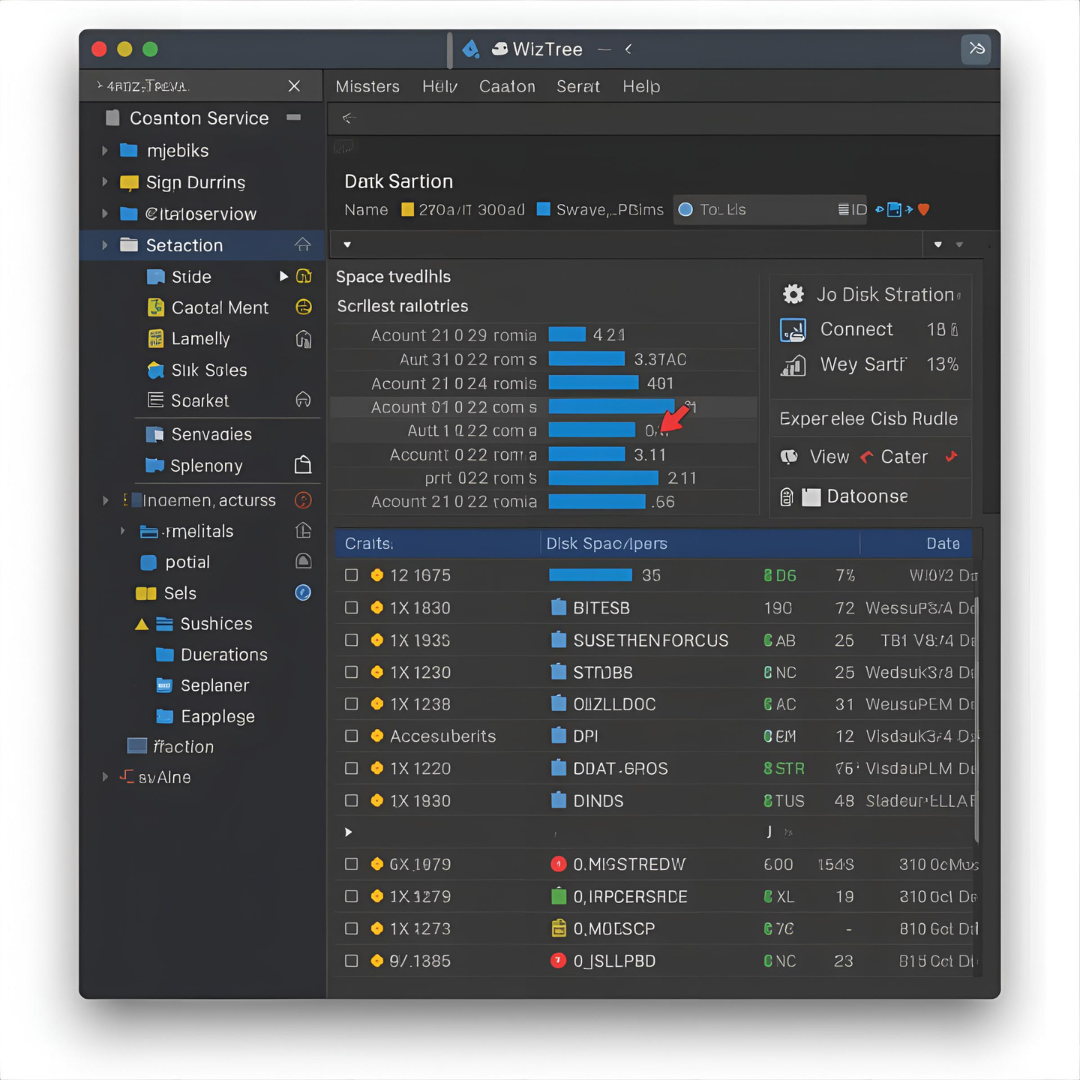
Managing disk space is a constant challenge for computer users. Whether you’re a casual user or an IT professional, storage fills up quickly with documents, downloads, media files, and hidden system data. Over time, this clutter can slow down your system, create performance issues, and make it difficult to find important files.
This is where WizTree comes in—a powerful, ultra-fast disk space analyzer designed for Windows. It helps you visualize disk usage, identify large files and folders instantly, and clean up unnecessary clutter to reclaim valuable storage space.
In this comprehensive guide, we’ll cover everything you need to know about WizTree, including its features, installation, usage, advantages, limitations, and comparisons with similar tools.
What is WizTree?
WizTree is a Windows-based disk space analyzer developed by Antibody Software. It scans your hard drive or SSD and shows which files and folders are using the most space. What makes WizTree unique is its speed—it is recognized as one of the fastest disk analyzers available because it reads the Master File Table (MFT) directly (on NTFS drives).
Unlike traditional tools that scan each file one by one, WizTree leverages the MFT database to gather file information almost instantly, even on very large drives.
Key Features of WizTree
WizTree offers a wide range of useful features:
1. Ultra-Fast Disk Scanning
-
Scans entire drives in seconds using the Master File Table (NTFS drives only).
-
Much faster than conventional file-by-file scanners.
2. Treemap Visualization
-
Provides a color-coded graphical map of your files and folders.
-
Large files are displayed as larger blocks, making it easy to spot space hogs.
3. Top File and Folder Lists
-
Quickly identifies the largest files or folders on your system.
-
Useful for finding unnecessary or duplicate files.
4. NTFS Master File Table (MFT) Support
-
Reads data directly from MFT for instant results.
-
Displays detailed information including file attributes.
5. Multiple Drive Support
-
Analyze local hard drives, SSDs, external drives, and network drives.
6. Export and Reporting
-
Export results to CSV or other formats for detailed analysis.
-
Perfect for IT administrators managing multiple systems.
7. File Search Function
-
Find specific files instantly across the drive.
8. Free and Lightweight
-
Small installer size and minimal system resource usage.
-
Free version available, with a Pro version offering extra features.
System Requirements
WizTree is lightweight and runs on most Windows systems:
-
Operating System: Windows XP, Vista, 7, 8, 10, 11 (32-bit and 64-bit).
-
RAM: 1 GB minimum (more recommended for large drives).
-
Storage: Less than 10 MB installation size.
-
File System: Works best with NTFS drives, but supports others too.
How to Download and Install WizTree
-
Visit the official site: https://wiztreefree.com.
-
Choose between portable version (no installation needed) or installer version.
-
Download and run the program (installer or portable executable).
-
Select the drive you want to scan, and WizTree will display results in seconds.
How to Use WizTree: Step-by-Step
Step 1: Launch the Program
-
Open WizTree and select the drive you want to analyze.
Step 2: Scan the Drive
-
Click Scan. For NTFS drives, WizTree reads the MFT directly.
-
Results appear almost instantly.
Step 3: View Treemap Visualization
-
Use the treemap view to see which files and folders consume the most space.
-
Hover over blocks to view details.
Step 4: Analyze and Clean Up
-
Sort files by size, type, or folder.
-
Delete unnecessary large files directly from WizTree.
Step 5: Export Reports (Optional)
-
Export data to CSV for external reporting or archiving.
Benefits of Using WizTree
-
Lightning Fast – Scans drives in seconds.
-
User-Friendly – Simple interface with visual treemap.
-
Accurate – Directly reads the MFT for reliable results.
-
Free Option – Offers a free version with essential features.
-
Portable – Can run without installation.
-
Pro Version for Businesses – Advanced features like command-line support.
Limitations of WizTree
-
NTFS Advantage Only – Fast scanning relies on NTFS; other file systems may scan slower.
-
Windows-Only – Not available for macOS or Linux.
-
No Built-In Duplicate File Finder – Though it identifies large files, dedicated duplicate finders are separate tools.
-
Limited Automation – Free version doesn’t support command-line scripting.
WizTree Free vs. Pro
| Feature | Free Version | Pro Version |
|---|---|---|
| Ultra-fast scanning | ✅ | ✅ |
| Treemap visualization | ✅ | ✅ |
| Export results | ✅ | ✅ |
| Commercial use | ❌ | ✅ |
| Command-line support | ❌ | ✅ |
| Lifetime license | — | ✅ (one-time purchase) |
The Pro version is ideal for IT professionals and businesses, while the free version is more than enough for home users.
WizTree vs Other Disk Analyzers
| Tool | Speed | Treemap View | OS Support | Price |
|---|---|---|---|---|
| WizTree | Very Fast (MFT) | Yes | Windows Only | Free / Paid |
| WinDirStat | Slow | Yes | Windows Only | Free |
| TreeSize | Fast | Yes | Windows Only | Free / Paid |
| Disk Inventory X | Moderate | Yes | macOS Only | Free |
Winner: WizTree is the fastest disk space analyzer for Windows users.
Who Should Use WizTree?
-
Home Users – To free up space on laptops or desktops.
-
Students – To manage limited storage devices.
-
IT Professionals – For quick system audits and reporting.
-
Businesses – To optimize server storage usage.
Tips for Best Use
-
Run WizTree as Administrator for full access.
-
Use treemap view to quickly locate “space hogs.”
-
Regularly scan drives to keep storage under control.
-
Export reports for long-term analysis if managing multiple systems.
Is WizTree Safe?
Yes, WizTree is completely safe when downloaded from the official website. It is a trusted tool widely used by individuals and businesses. It does not modify files unless you manually delete them, and it is free of malware or adware.
Conclusion
WizTree is one of the fastest and most efficient disk space analyzers available for Windows. Its ability to read the Master File Table (MFT) directly makes it significantly faster than competitors like WinDirStat and TreeSize. With its clear treemap visualization, detailed file analysis, and lightweight design, WizTree is an essential tool for anyone looking to manage storage effectively.
Whether you’re a casual user trying to free up space or an IT professional managing multiple systems, WizTree delivers speed, accuracy, and ease of use.
If disk space management is a challenge for you, WizTree is the tool you need to take back control of your storage.
